MATLAB – Part 2
Interactive Image Processing with Lenna
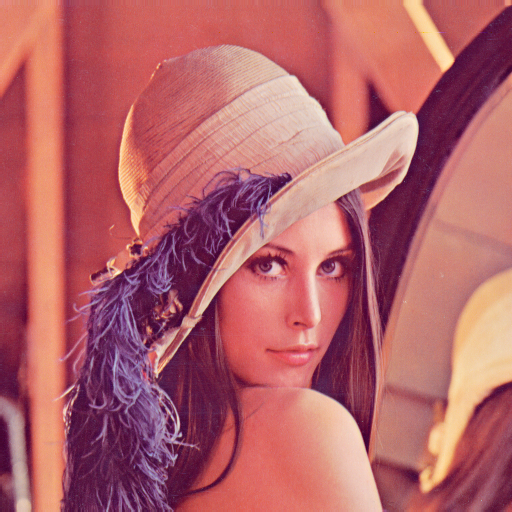
1. Original Lenna Image
We will use the classic Lenna image to explore MATLAB image processing:
2. Convert to Grayscale
grayImg = rgb2gray(img);
imshow(grayImg)
title('Grayscale Lenna')
💡 Grayscale images simplify processing — only one intensity channel is used.
3. Simple Binarization (Black & White)
bwImg = imbinarize(grayImg);
imshow(bwImg)
title('Binary Lenna')
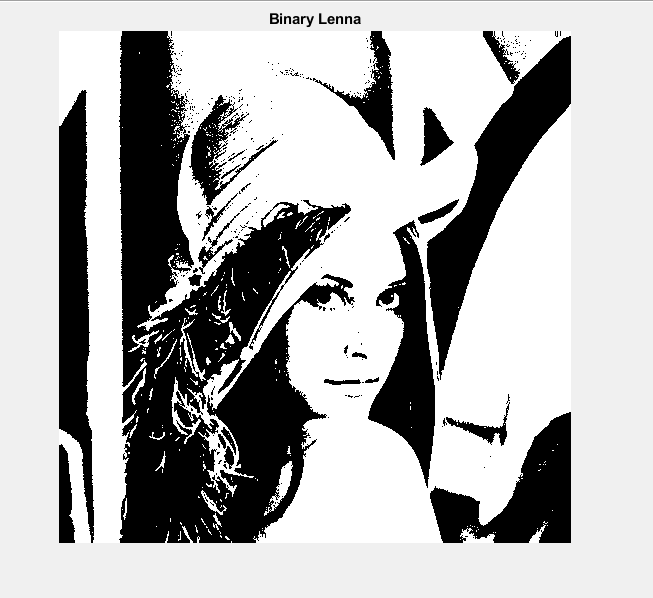
✅ Converts grayscale to pure black-and-white pixels for easy segmentation.
4. Edge Detection
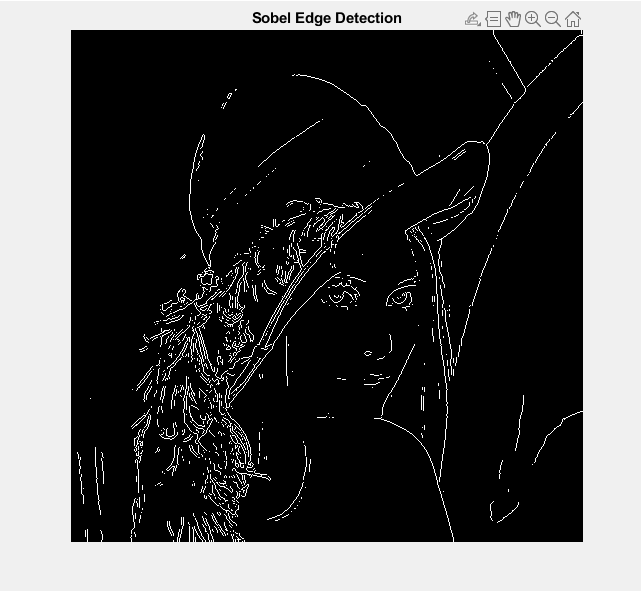
Sobel Method:
edgesImg = edge(grayImg, 'Sobel');
imshow(edgesImg)
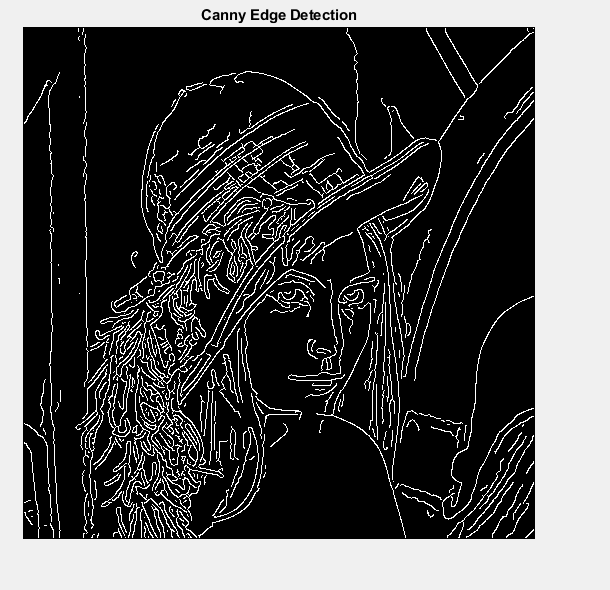
Canny Method (Cleaner edges):
edgesCanny = edge(grayImg, 'Canny');
imshow(edgesCanny)
5. Histogram of Grayscale Intensities
figure
imhist(grayImg)
title('Histogram of Grayscale Lenna')
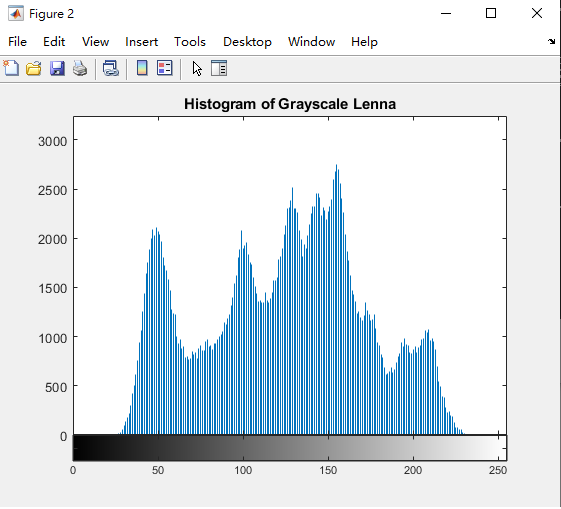
Shows distribution of brightness values in the image.
6. Resize & Save Image
smallImg = imresize(grayImg, 0.5);
imshow(smallImg)
imwrite(smallImg, 'Lenna_small.png')
Next Steps
- Learn image filtering (blur, sharpen) with
imfilter - Morphological operations (
imdilate,imerode) - Work with color channels individually
- Explore image segmentation
- Create small projects combining multiple images